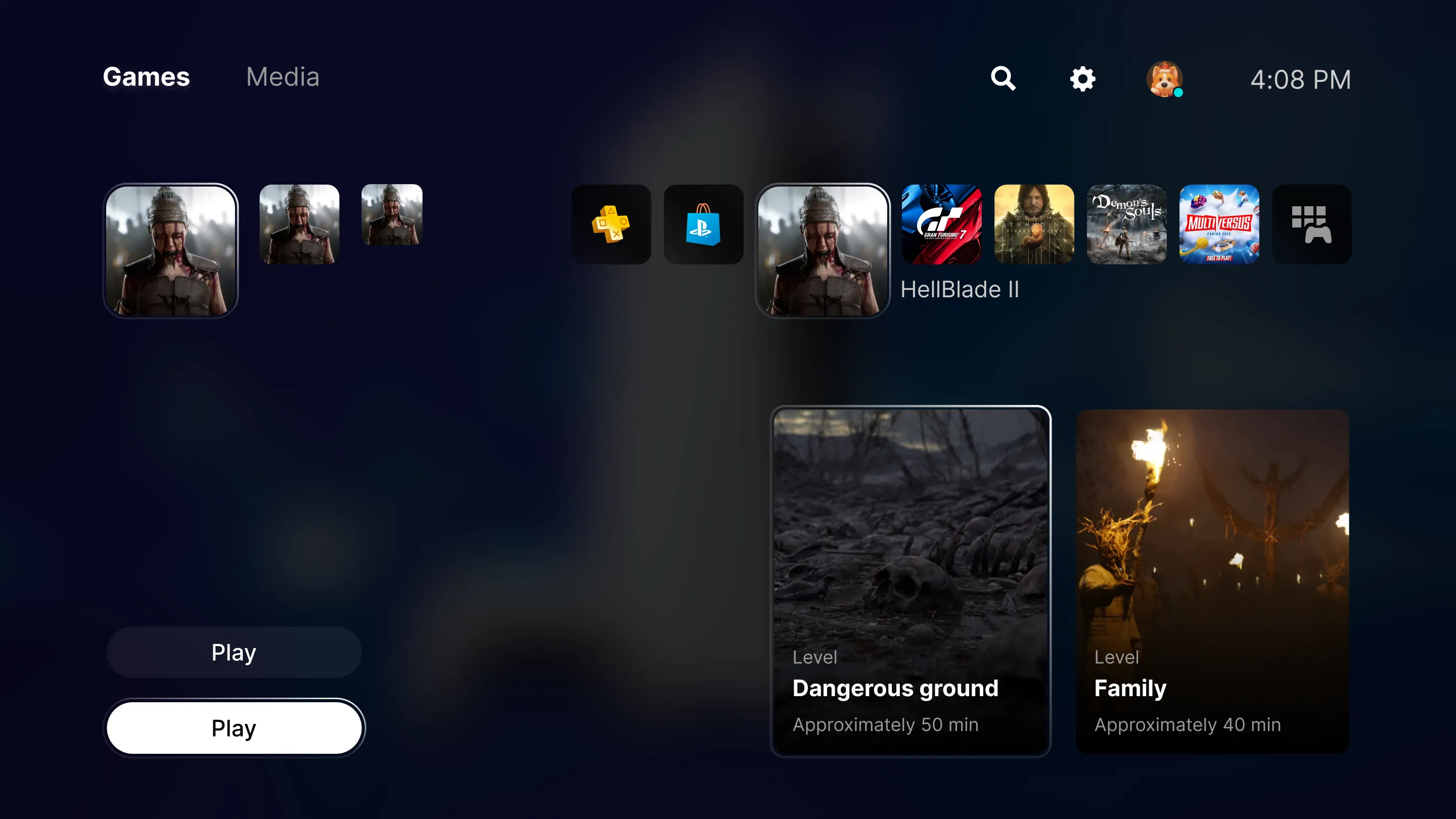
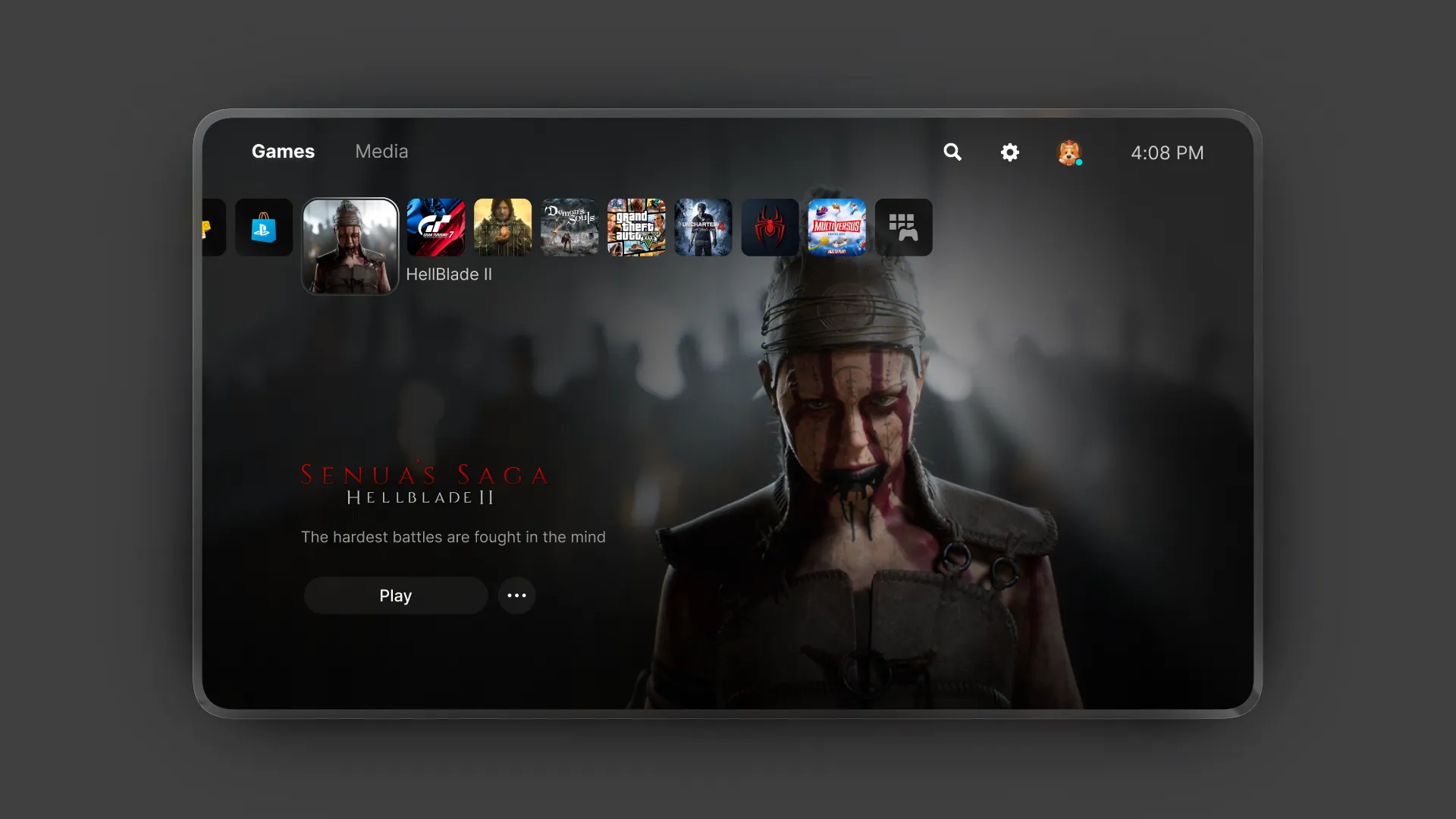
Replica of Playstation 5 interface
26'
UI Designer
Gaming UI
Overview
This replica is part of my journey to learn and understand UI and UX in video games,
replicating some of the interfaces that I believe do a good job of presenting their
world to the user and guiding them through it.
Goal
The goal of this is to learn the basics, ways of thinking, and techniques used by video game designers, in order to learn from them and implement them in my own work.
.webp)
Why Playstation 5 UI?
Ecosystem
Beyond believing that PlayStation 5 has the best console ecosystem in terms of games, services, and product design (the console and controller), the UI makes the entire ecosystem feel premium and simple.
Simple information
PlayStation manages to synthesize information about the store, subscriptions, achievements, friends, accounts, etc. in a way that is easy to understand and enjoyable to interact with.
Premium interactions
It features interactions that you rarely see in products, either because of their creativity or development cost. This adds an elegant level of detail to the system that makes you always want to use it.
Understand what the user wants
The information structure is understandable; you know where to find the essential things. In addition, Playstation suggests things to you (such as in-game help, trophies, friend groups, etc.) in a way that feels intuitive, as if the system knows what you need at that moment.