Game Design
Learning about the video game industry to find better solutions
26'-Ongoing
Game Design
UI Artist
Game Designer
Overview
I've always considered myself someone who likes to learn about
anything that interests me, and the field of UX is no different. I believe that
understanding design patterns across different industries within UX can help you solve
problems more effectively, which is why I learn from different products, in this case,
gaming.
Goal
The idea here is to build a game, from the GDD all the way through development in a game engine, and make it playable. Obviously, it will take time, but for now, I’m sharing a part of my learning process, which is creating user interfaces. I’m currently replicating interfaces that I think do a good job, and in this way, I’m learning UI design for video games, since it’s very different from apps and websites.
01
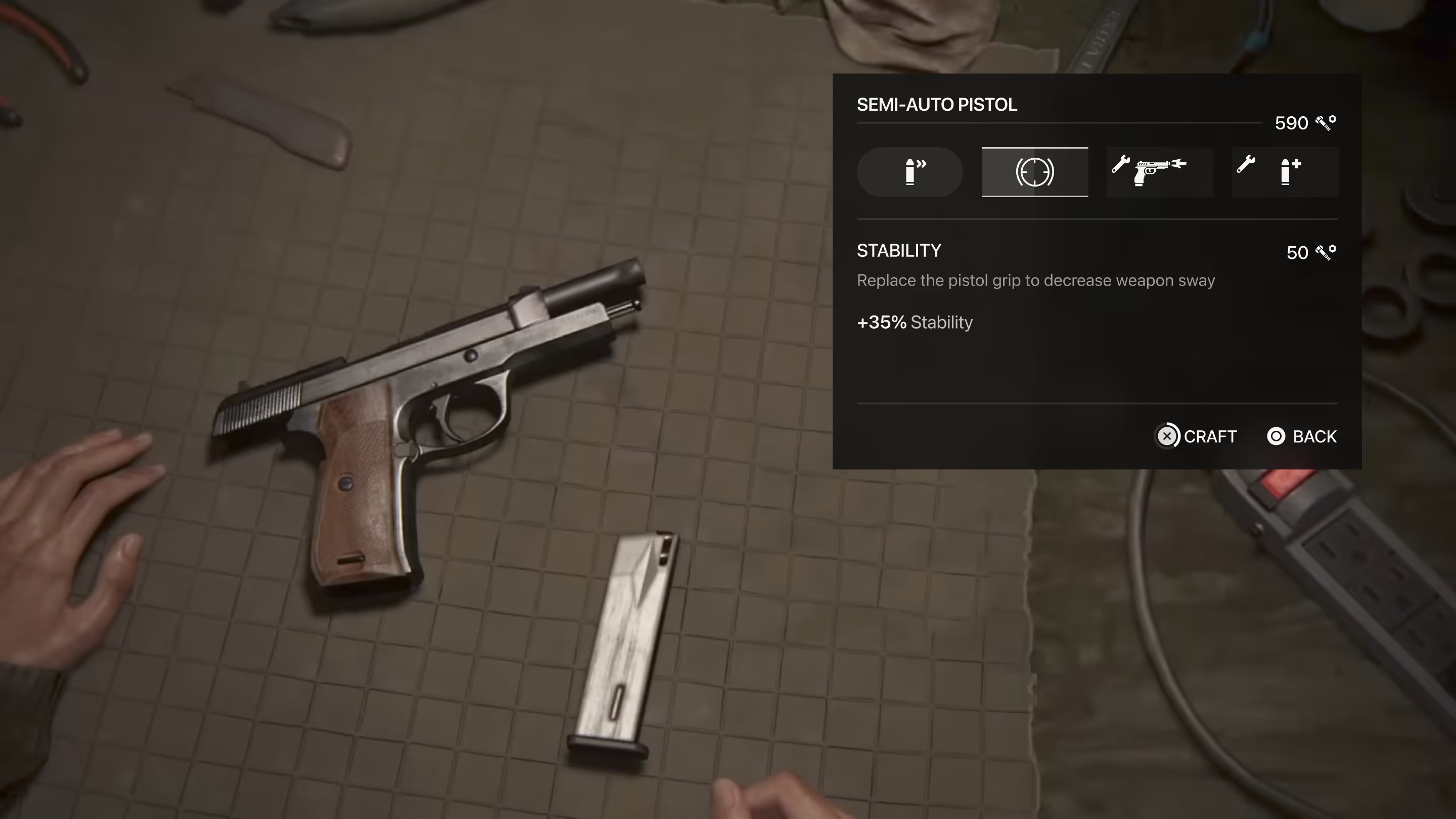
The Last Of Us Part II
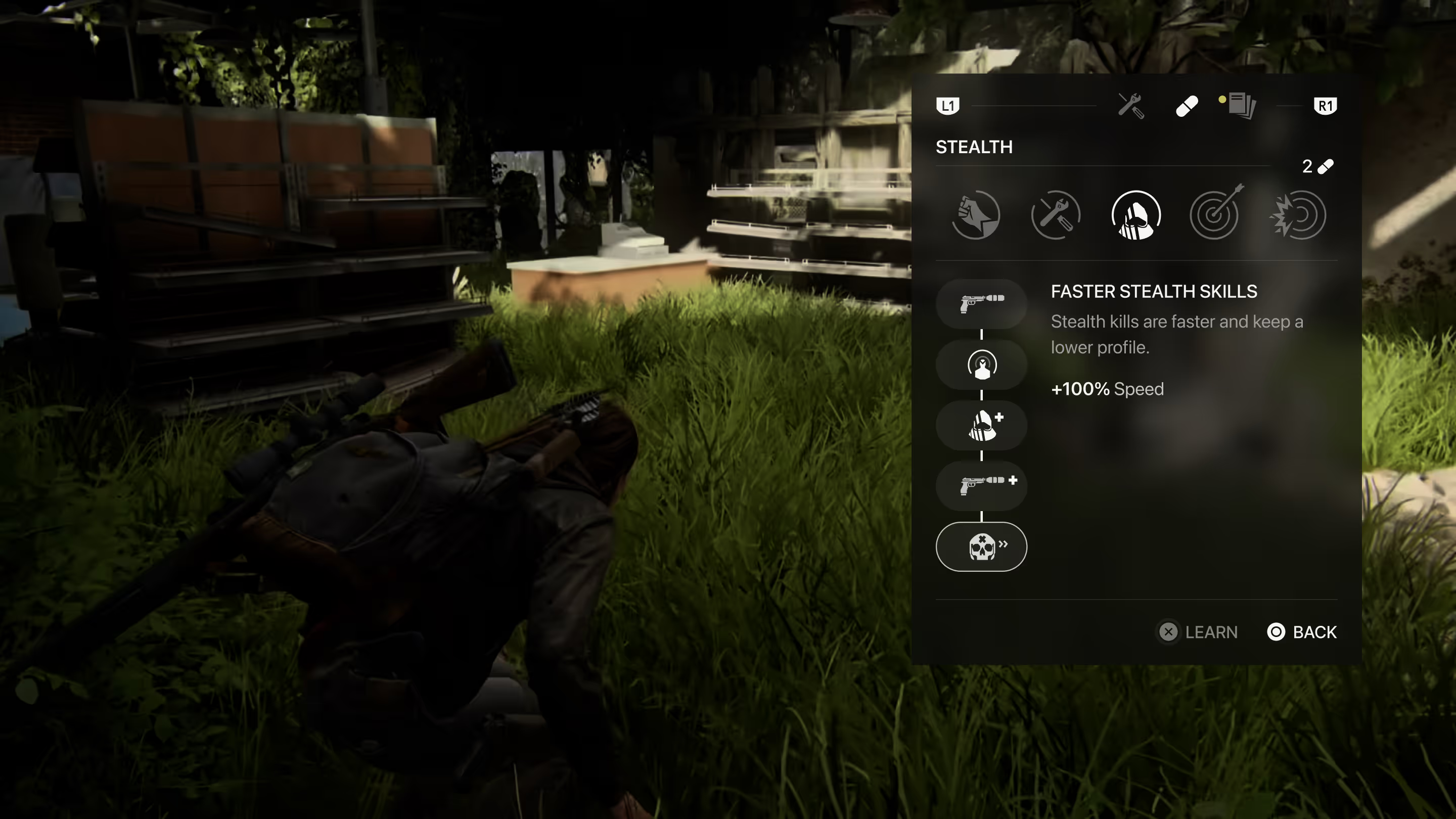
Why The Last Of Us 2 UI?
Representation of the world in the UI
I'm a huge fan of Maria's work at Naughty Dog and Epic. I feel like she did an amazing job of representing the world of TLOU in a simple but responsive interface.
Adaptability
The UI elements are adaptable in any game scenario. Providing a good understanding and helping the user at all times.
Premium interactions
The interactions and sounds are simple in execution, but the level of craftsmanship makes them feel premium. Every time you upgrade a weapon or skill, or simply open something in the menu, you enjoy the interactions and sounds.
Accesibility
The entire interface is easy to understand. In a game like TLOU 2, where there are fast-paced moments where you need to draw a weapon, switch between weapons, craft items, etc. the response time of the UI is essential, and the game's UI helps you at every moment by feeling agile and responsive.

02
Brawl Stars
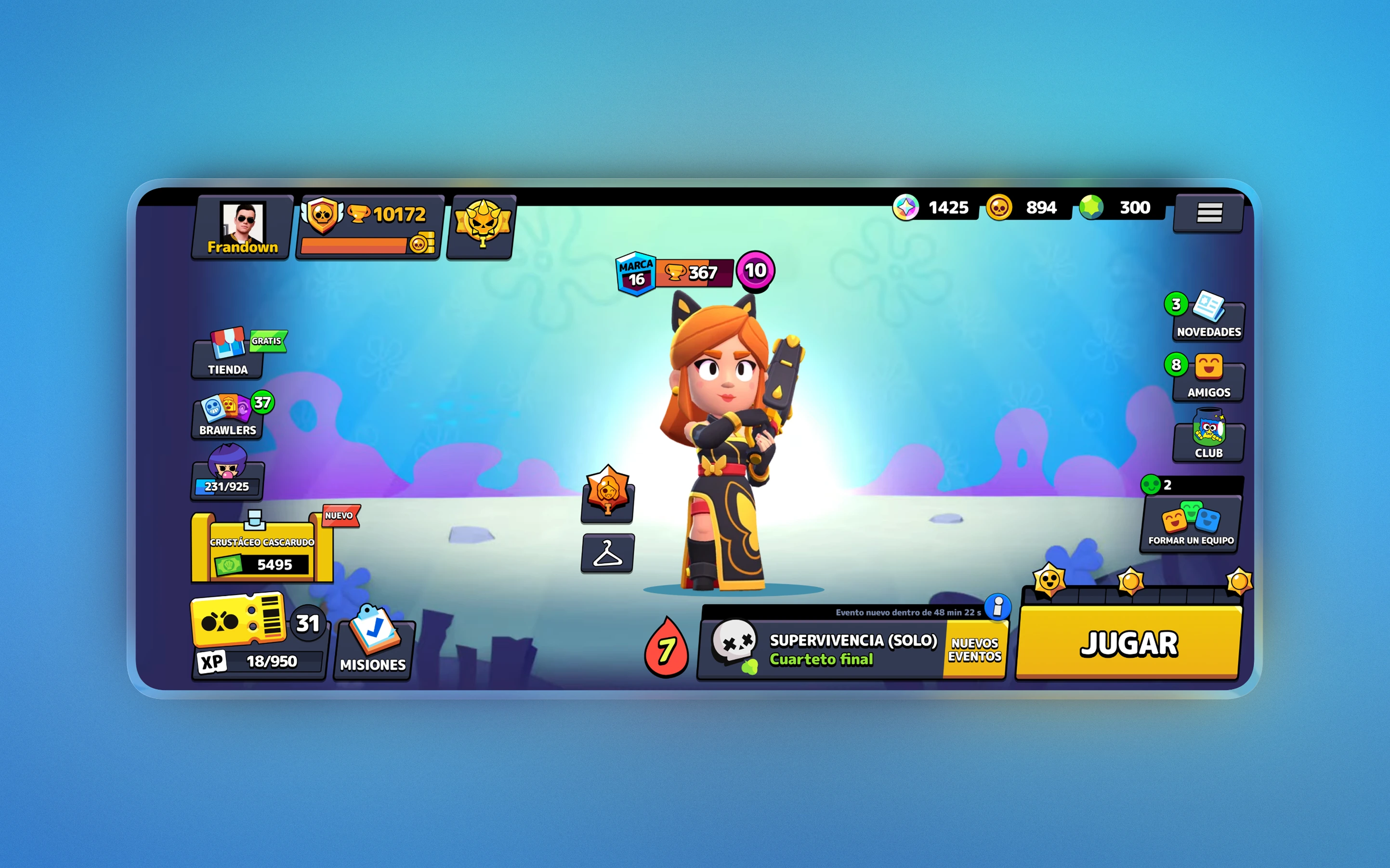
Why Brawl Stars UI?
Information easy to understand
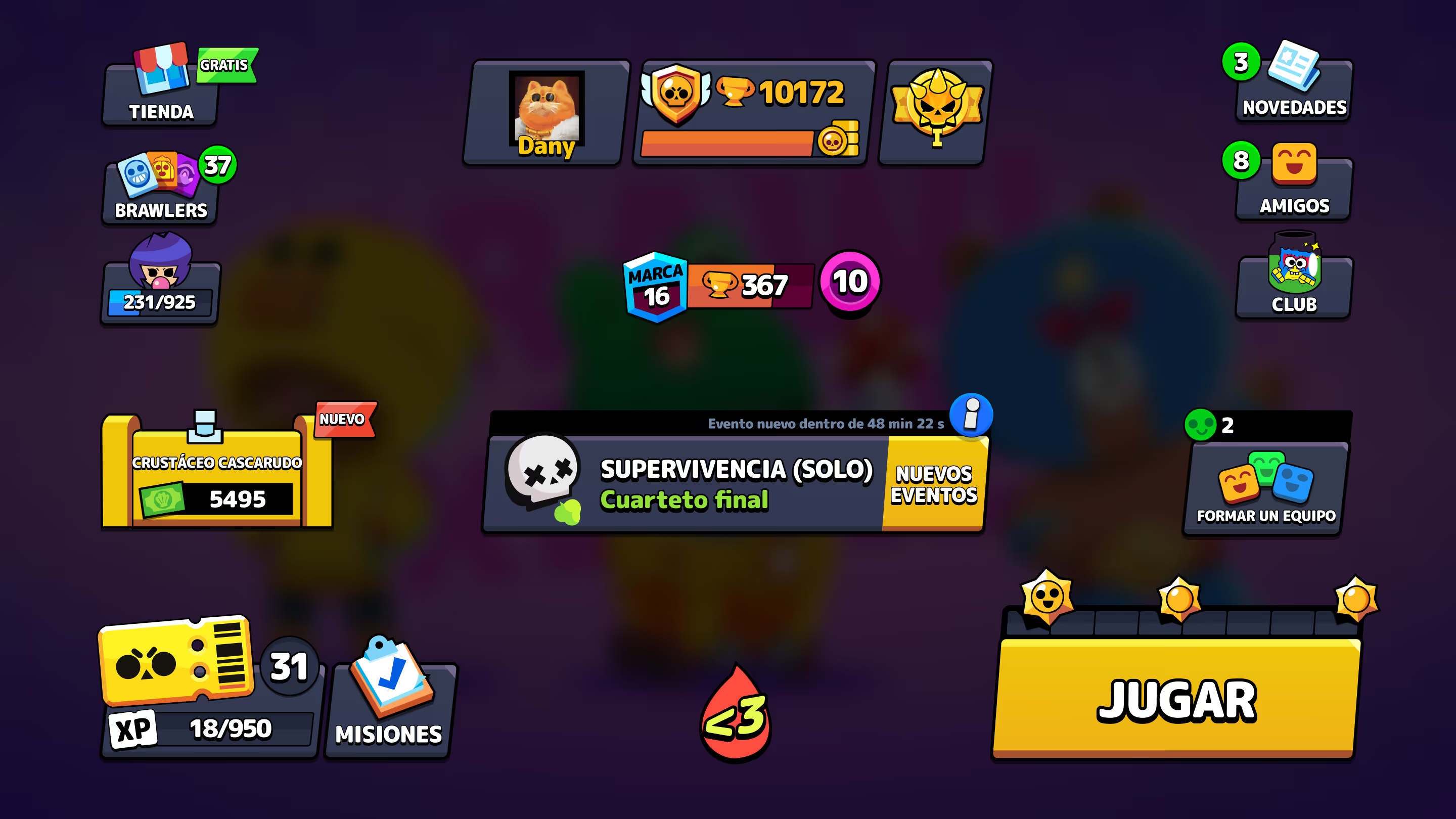
Supercell designers manage to condense a lot of information and a colorful style into an interface that works and is understandable to users.
Structure
Although the menu structure may initially appear disorganized or overloaded with information, it is well distributed, resulting in understandable and responsive menus that allow you to easily navigate between different content.
Differentiator
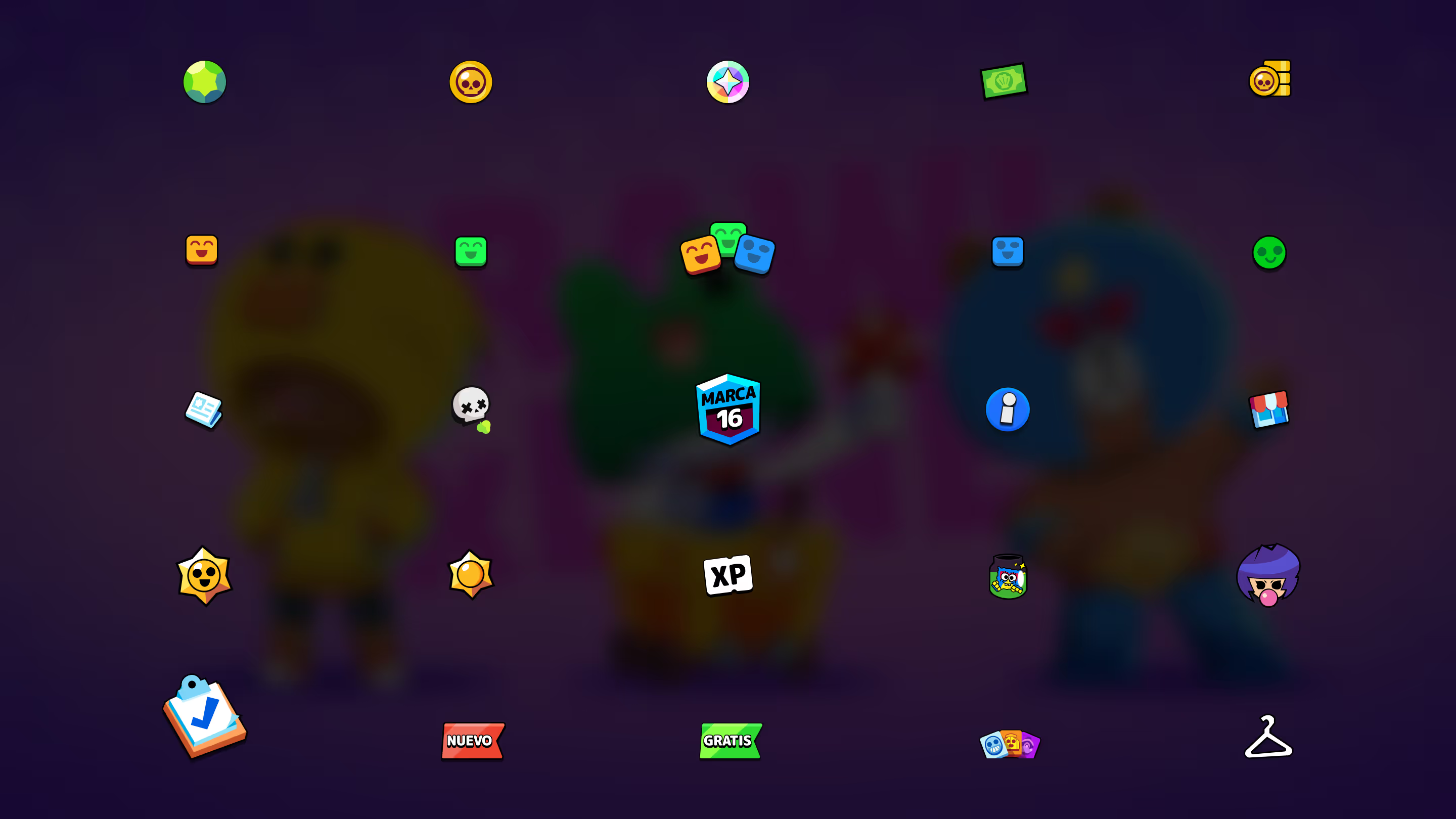
It manages to have a unique and distinctive visual design within mobile games. As this market is a little more liberal in terms of UI (without neglecting high quality), it manages to attract attention with a fun but accessible UI.
03
PlayStation 5
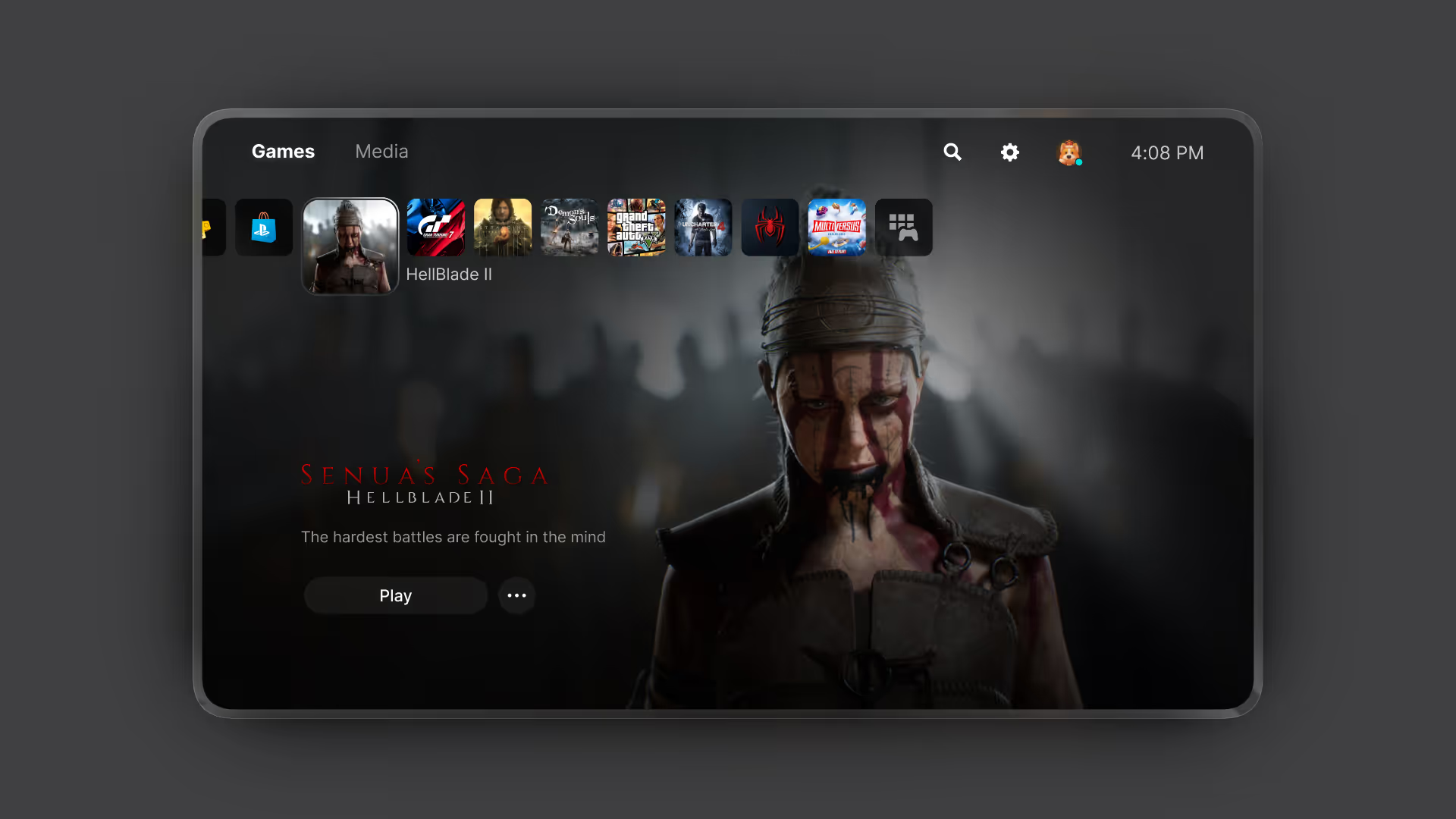
Why Playstation 5 UI?
Ecosystem
Beyond believing that PlayStation 5 has the best console ecosystem in terms of games, services, and product design (the console and controller), the UI makes the entire ecosystem feel premium and simple.
Simple information
PlayStation manages to synthesize information about the store, subscriptions, achievements, friends, accounts, etc. in a way that is easy to understand and enjoyable to interact with.
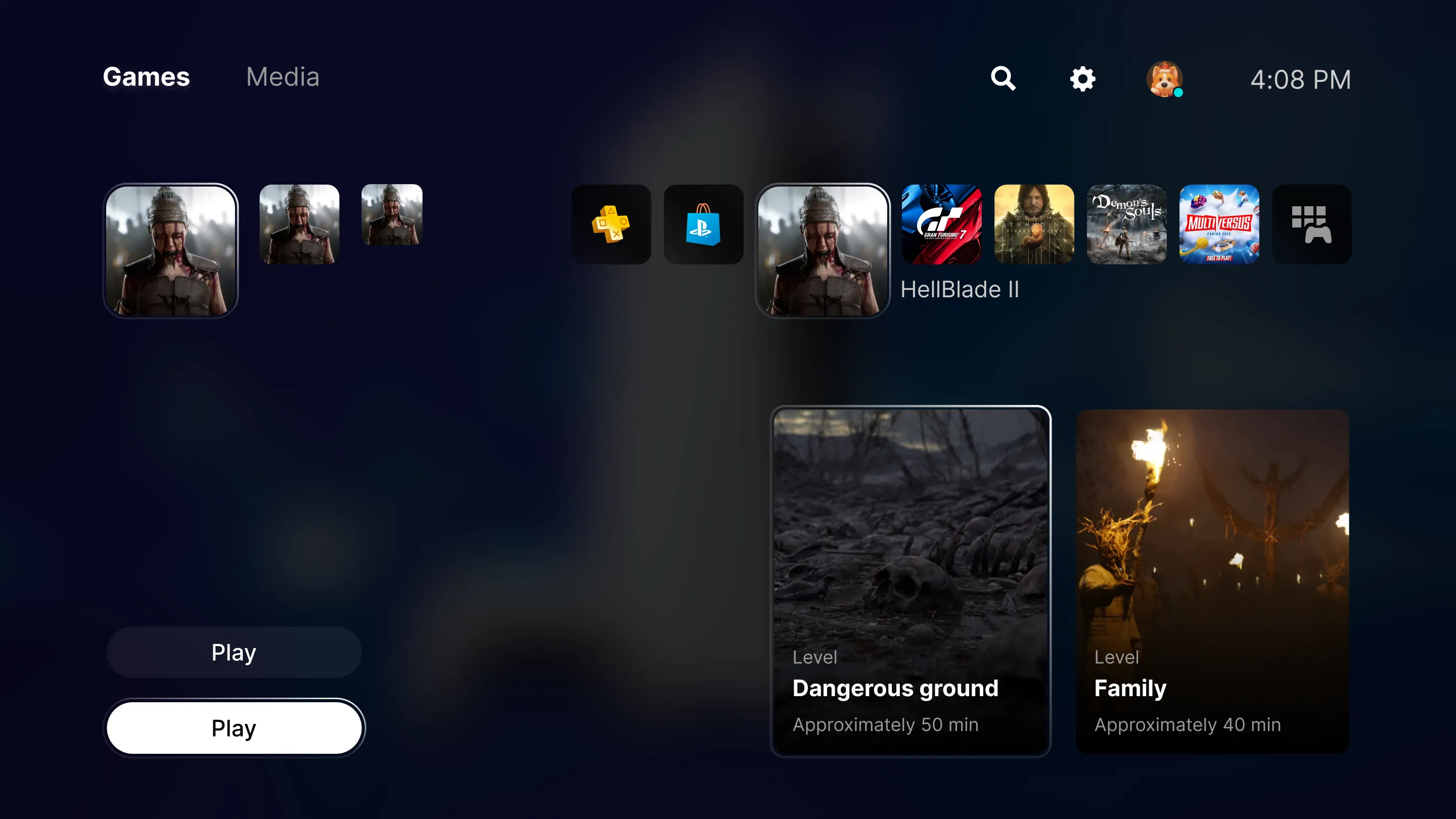
Premium interactions
It features interactions that you rarely see in products, either because of their creativity or development cost. This adds an elegant level of detail to the system that makes you always want to use it.
Understand what the user wants
The information structure is understandable; you know where to find the essential things. In addition, Playstation suggests things to you (such as in-game help, trophies, friend groups, etc.) in a way that feels intuitive, as if the system knows what you need at that moment.
04
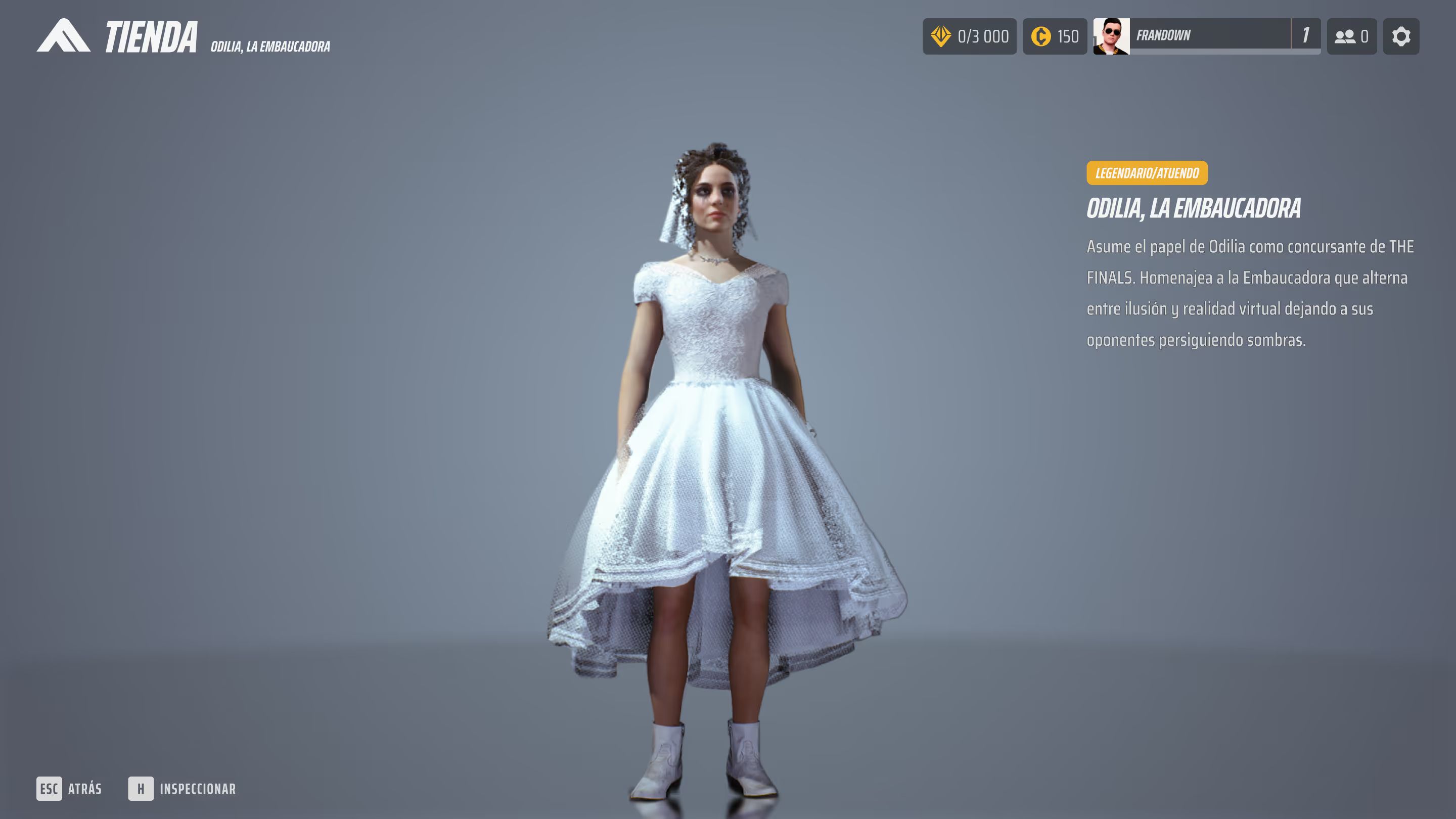
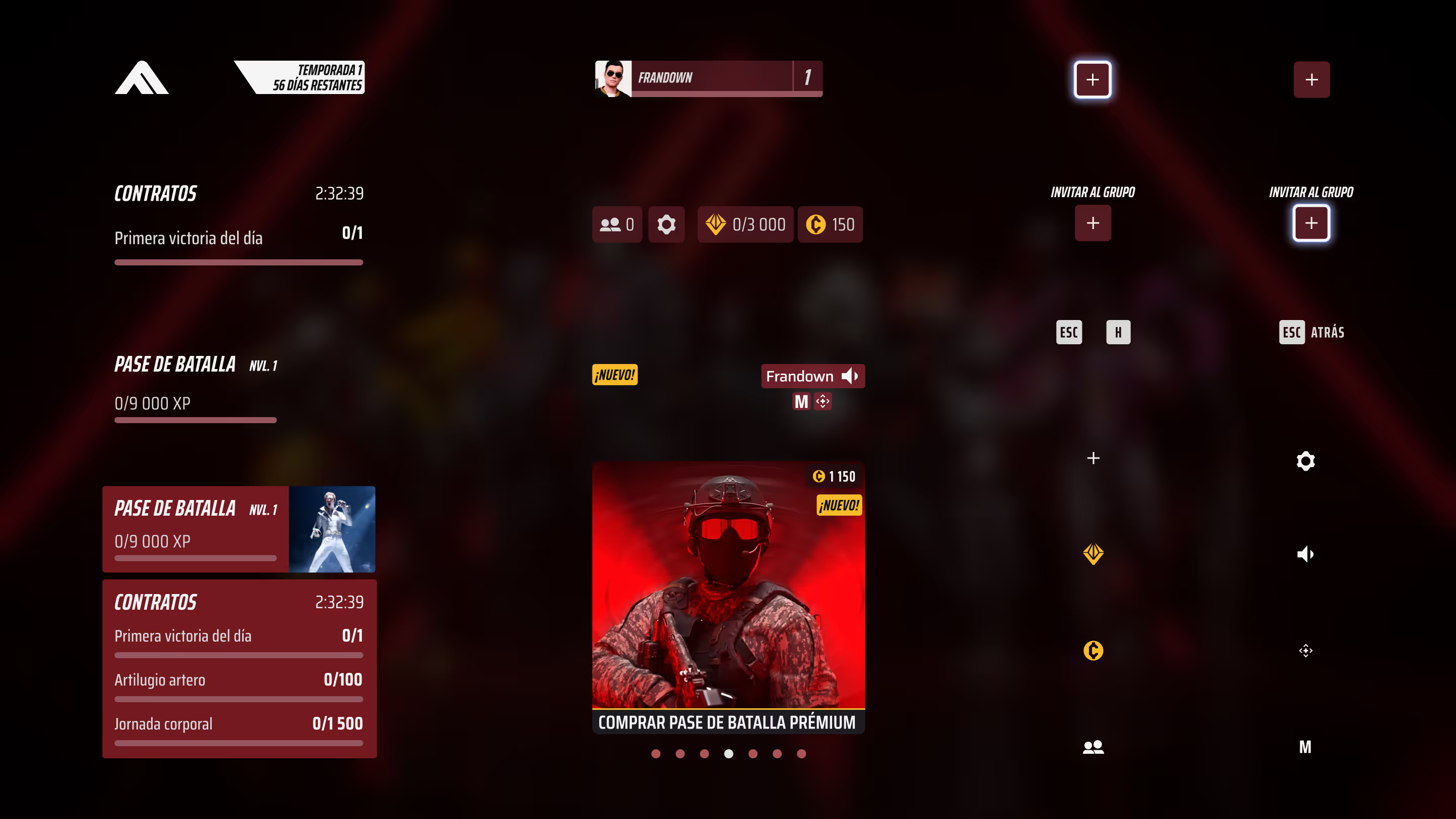
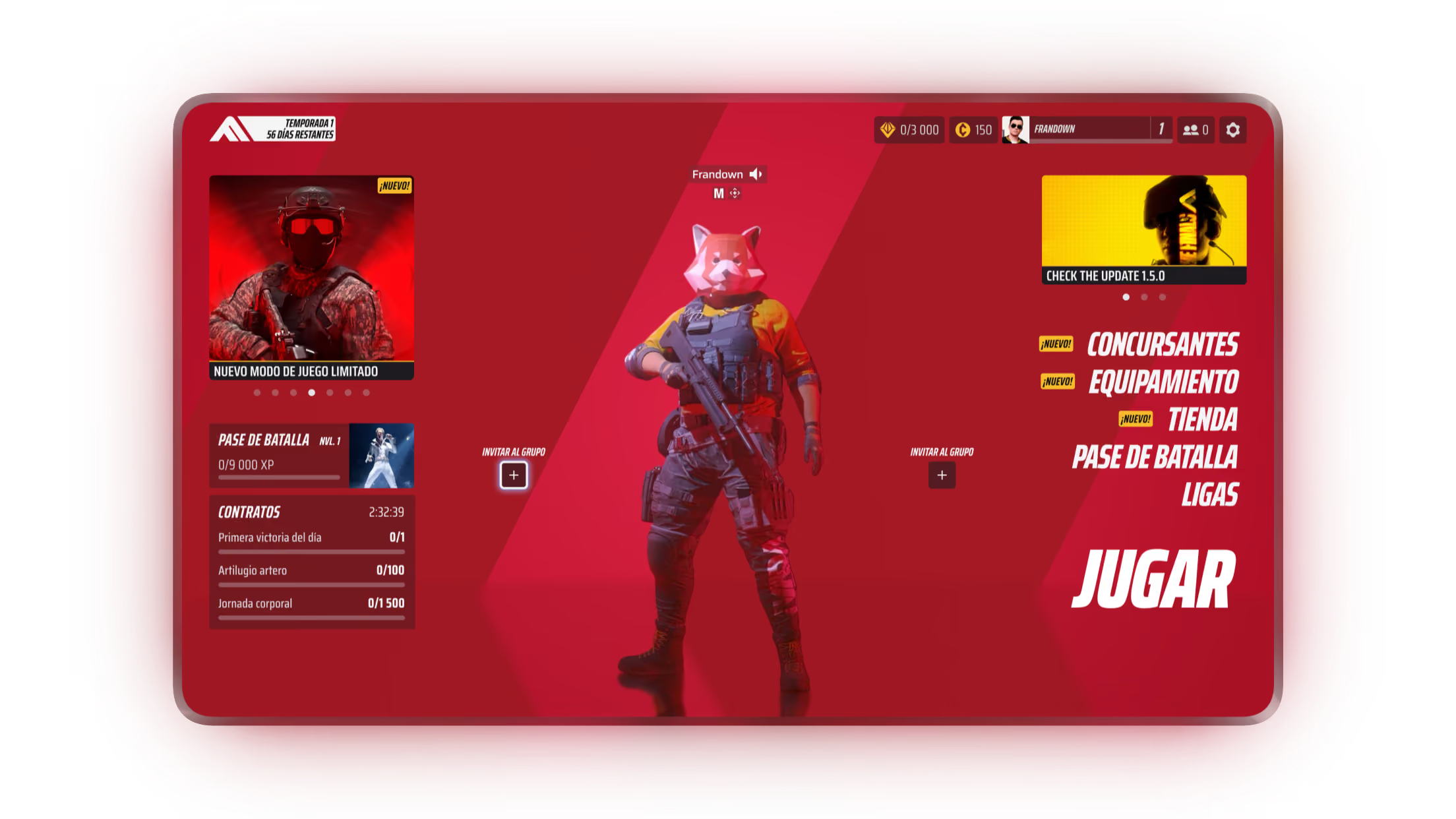
The Finals
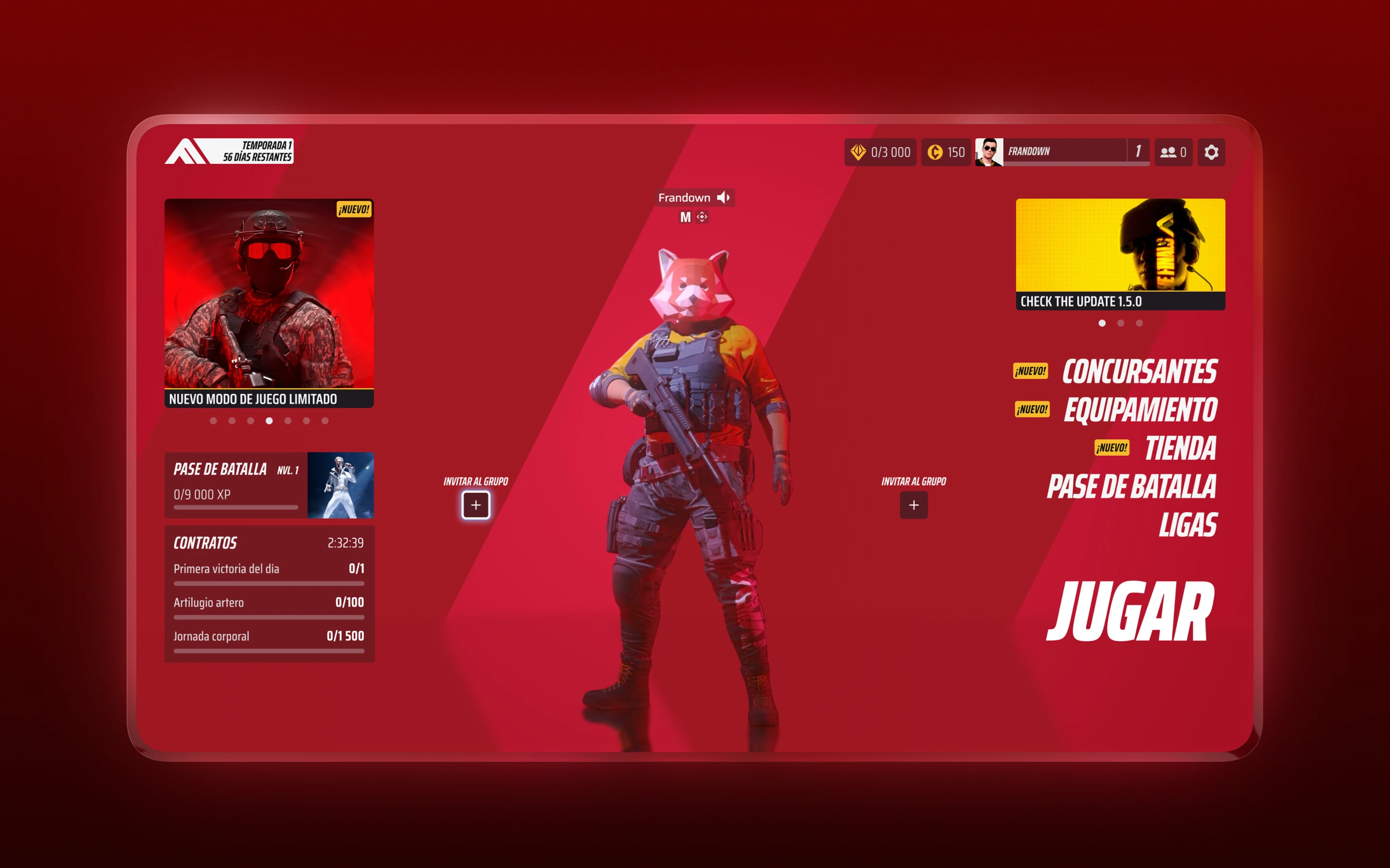
Why The Finals UI?
Different
Despite being a shooter, the UI of The Finals (and the game in general) successfully sets itself apart from its competitors, which helps generate at least some initial interest in the game.
Structured
The interface's structure is easy to understand and helps you find each element quickly. Plus, depending on what you need at any given moment, the UI already anticipates it, which makes using it a satisfying experience.
Visuals
As I mentioned earlier, it stands out from its competitors, and one of the reasons is its visuals. No matter what screen you're on, the UI always looks great, with lighting and effects that don't create cognitive load and help enhance the user experience.